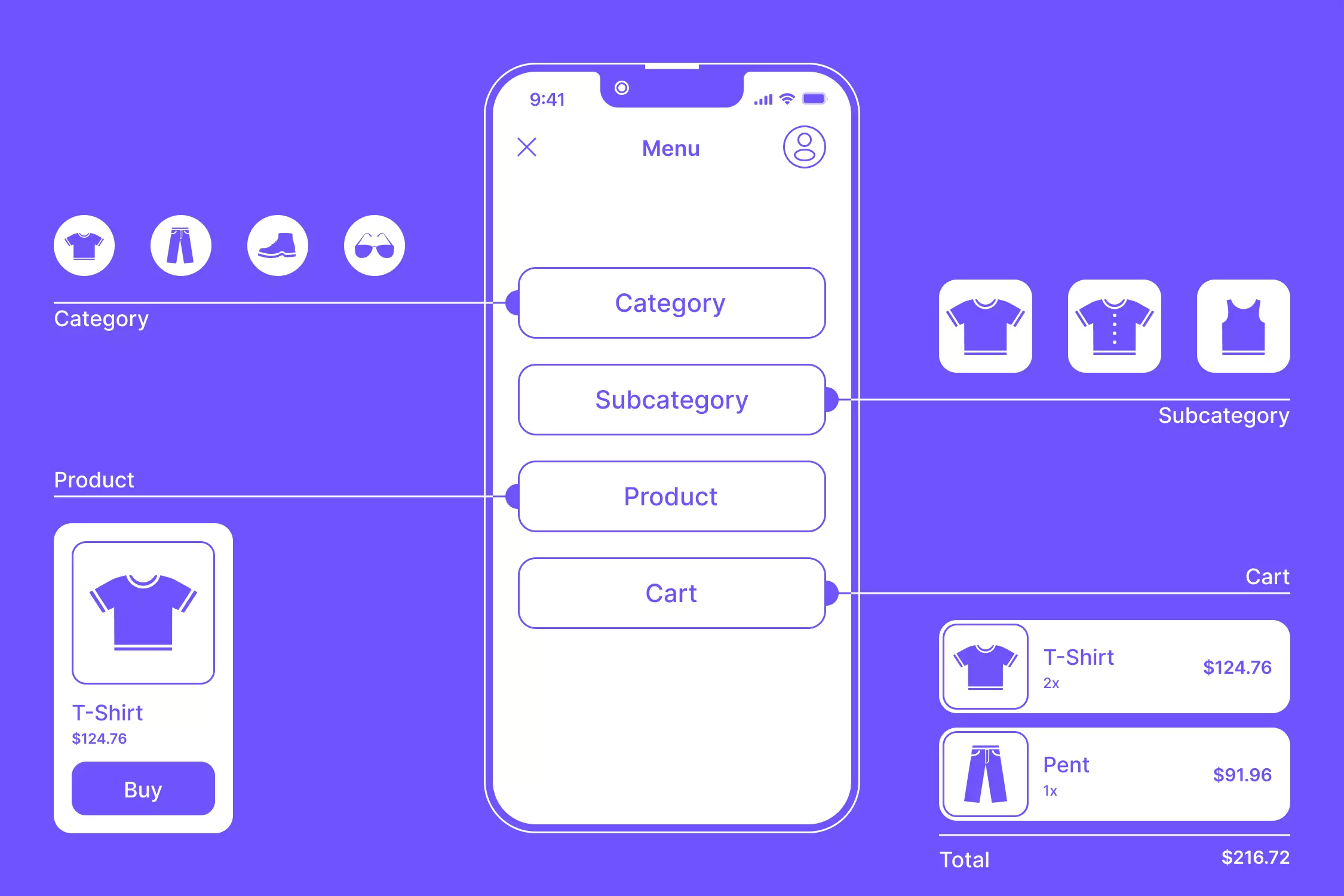
Introduction to UX in E-commerce
User experience (UX) plays a crucial role in the success of online stores. A well-designed e-commerce site ensures that users can easily find what they need, trust the platform, and complete their purchases smoothly. In this article, we’ll explore the best UX practices for online stores and how they can enhance user satisfaction and boost conversions.
Why UX Matters for Online Stores
A poor UX can lead to high bounce rates, cart abandonment, and lost revenue. Here’s why UX is critical:
- Enhances user satisfaction – A seamless experience keeps users engaged.
- Reduces bounce rate – Intuitive design encourages users to stay.
- Boosts conversions – Easy navigation leads to more purchases.
- Improves brand loyalty – A positive experience increases repeat customers.
Best UX Practices for Online Stores
1. Simplified Navigation & Intuitive Layout
Users should be able to find products easily. Use:
- Clear categories and menus
- A search bar with autocomplete suggestions
- Breadcrumbs to improve navigation
2. Mobile-First Design Approach
With over 60% of e-commerce traffic coming from mobile devices, mobile optimization is non-negotiable. Ensure:
- Responsive design for various screen sizes
- Thumb-friendly navigation for ease of use
- Fast-loading pages with optimized media
3. Fast Loading Speeds & Performance Optimization
A slow site frustrates users and hurts sales. Best practices:
- Optimize images and reduce file sizes
- Use caching and content delivery networks (CDNs)
- Minimize unnecessary scripts and plugins
4. Clear and Engaging Call-to-Actions (CTAs)
Guide users towards actions like “Buy Now” or “Add to Cart.” Best practices:
- Use high-contrast buttons
- Keep CTAs short and action-oriented
- Position them prominently on the page
5. Seamless Checkout Process
A complex checkout process leads to cart abandonment. Improve it by:
- Offering guest checkout options
- Minimizing form fields to essentials
- Providing multiple payment methods
6. High-Quality Product Images & Descriptions
Visual appeal and detailed descriptions help users make decisions. Ensure:
- Multiple high-resolution images from different angles
- Zoom-in functionality for better product views
- Detailed, scannable descriptions with key benefits
7. Personalization & AI-driven Recommendations
AI-driven recommendations improve user engagement. Use:
- Personalized product suggestions based on browsing history
- Dynamic content based on user behavior
- Email retargeting for abandoned carts
8. Customer Reviews & Trust Signals
Building trust increases conversions. Include:
- Verified customer reviews and ratings
- Security badges and trust seals
- Clear return and refund policies
9. Accessibility & Inclusive Design
Make sure your site is accessible to all users, including those with disabilities:
- Alt text for images
- Keyboard navigability
- Readable font sizes and color contrast
10. Live Chat & Easy Customer Support Access
Instant support enhances the shopping experience. Include:
- 24/7 live chat support
- Easily accessible help center or FAQs
- Chatbots for quick issue resolution
How UX Impacts Conversion Rates
Studies show that a seamless UX can increase conversions by up to 400%. A fast, well-structured, and engaging website builds trust and encourages users to complete their purchases.
Key UX-driven improvements that boost conversions:
✅ Faster site speed → Lower bounce rates
✅ Simple navigation → More pages viewed per session
✅ Optimized checkout → Reduced cart abandonment
✅ Trust elements → Increased customer confidence
Common UX Mistakes to Avoid
❌ Overcomplicated navigation – Users should find products in 3 clicks or less.
❌ Slow loading pages – Anything above 3 seconds kills engagement.
❌ Confusing checkout process – Simplify forms and offer guest checkout.
❌ Lack of mobile optimization – Test on multiple devices.
❌ Missing trust signals – Always display security badges and reviews.
Conclusion
Optimizing UX for your online store is one of the best ways to boost conversions, enhance customer satisfaction, and improve retention. Implement these best UX practices and continually test and refine your website to stay ahead of the competition.
FAQs
1. How does UX affect e-commerce sales?
A good UX ensures a smooth shopping experience, leading to higher conversions, lower cart abandonment, and increased customer retention.
2. What is the most important UX feature for an online store?
A fast-loading, mobile-friendly, and easy-to-navigate website with a seamless checkout process is crucial for a great UX.
3. How can I improve my e-commerce site’s UX without a complete redesign?
Small improvements like faster loading speeds, clearer CTAs, and an optimized checkout process can significantly enhance UX without a full redesign.
4. What role does mobile-friendliness play in UX?
Since most online shopping happens on mobile, having a responsive and fast mobile site is essential for user engagement and sales.
5. How can I reduce cart abandonment on my online store?
Simplify checkout, offer multiple payment options, display trust signals, and use email reminders for abandoned carts.